

At the parts counter
Order references, part photos and quantities travel with the request. Saved clients and addresses make repeat pickups easier to enter.
The app
See a pickup from the shop’s counter to the driver’s phone and back to the bay.
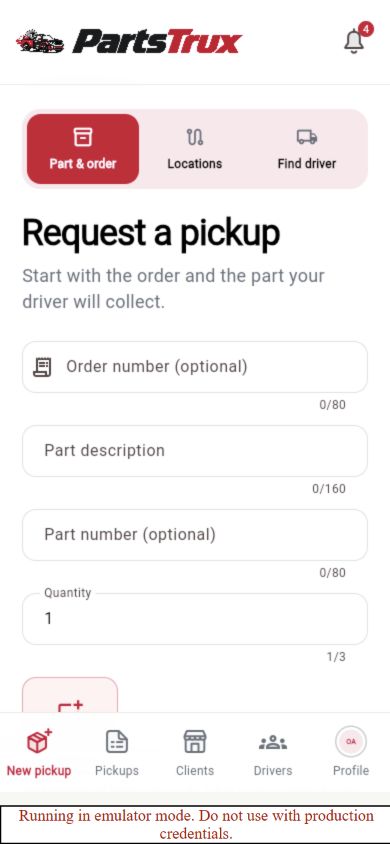
The shop adds the part, quantity and order reference, then sets the pickup and drop-off locations. A photo can help the driver recognize the part at the counter.
How it works
Order references, part photos and quantities travel with the request. Saved clients and addresses make repeat pickups easier to enter.
Shops can offer a run to their own drivers or look for an eligible driver in the pickup area. The assigned driver can open directions to each stop.
The driver marks collection and delivery. Where a drop-off photo is required, it stays with the pickup so the shop can check the handoff.
Pilot access
Android testing is by invitation through Google Play. The iPhone app is in development. Invited testers can sign in for their available builds and release notes.